
Choose your strongest results
Lead with the work you want more of: a seamless balayage, dimensional blonde or glossy copper. Use clear photos in consistent light so the tone is easy to judge.
Give your balayage, blondes and color finishes a professional hair colorist portfolio clients can explore in one link. Build and update it on the web or your phone.

Start free · One project and five images · No design skills needed
Learn More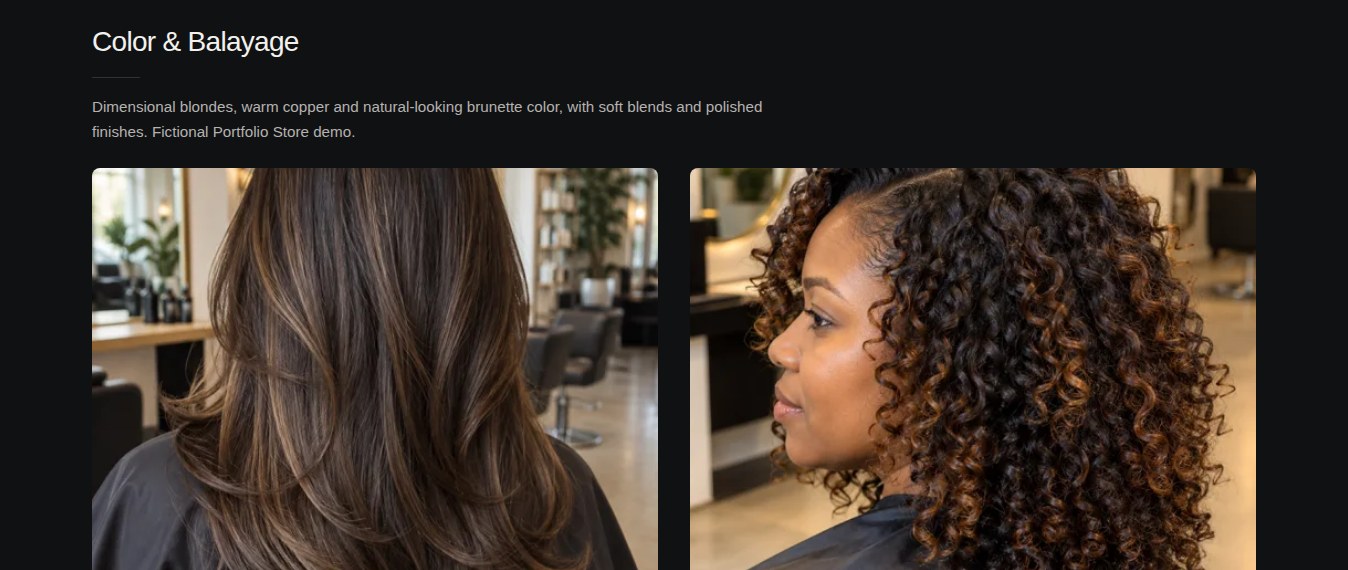
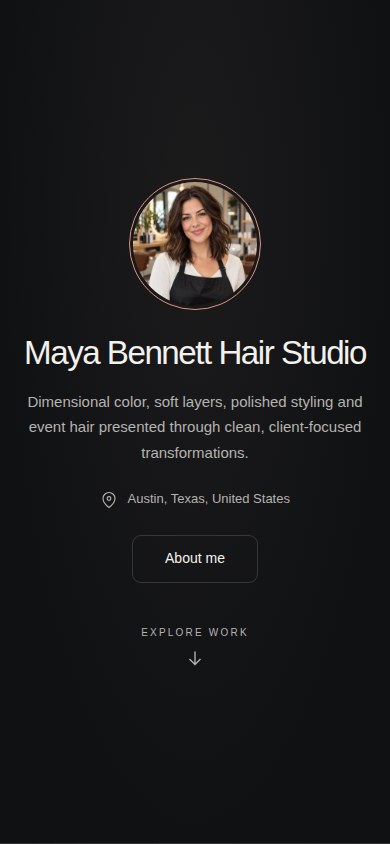 Maya Bennett Hair StudioHair & color studio · Fictional studio, functioning demoExplore this live portfolio Demo: three projects and fifteen images with Pro features.
Whether you focus on lived-in blondes, balayage, rich brunettes, copper or corrective color, help clients see the results that match their goals. Organise your work into projects and add context to each finish, on web or mobile.
Add photos, describe your work and keep your portfolio up to date. Create and update on web or mobile, then share the finished result with one link.
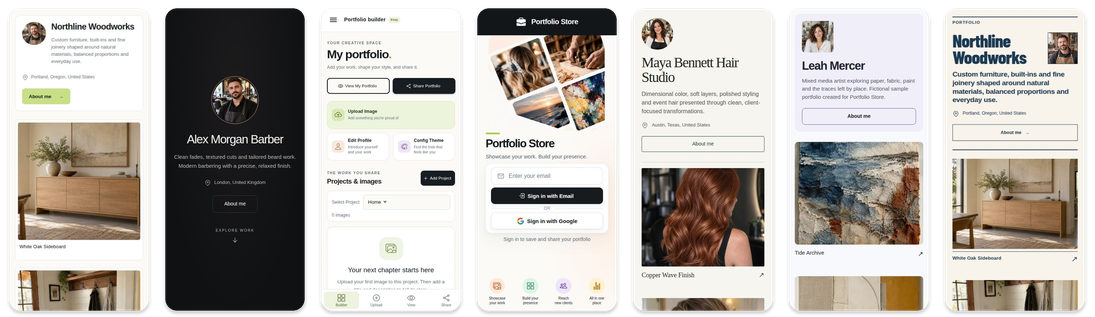
Help a potential client understand your specialty before they send their first consultation message.
Lead with the work you want more of: a seamless balayage, dimensional blonde or glossy copper. Use clear photos in consistent light so the tone is easy to judge.
Group images by service or color family. Add short notes on the goal, technique and maintenance. For transformations, include your own comparable before-and-after photos.
Add your link to Instagram, WhatsApp and consultation messages so clients can browse your color work on their phone or computer.
Build your hair colorist portfolio on a computer or phone. Start free with one project and five images, then update it as your work grows.
Display haircuts, coloring, balayage, highlights, and styling work with clean before-and-after galleries
Upload salon photos from your phone or organise your projects on a computer. Keep the same portfolio up to date from either device.
Send your portfolio link to new clients through Instagram, WhatsApp, text, or email in seconds
Build trust fast by showing your style range, consistency, and the quality of your salon results
Show the specific styles and services you love most so clients who want exactly what you do best find you first
A professional portfolio makes you look more established than stylists with no online presence, even before the first booking
Portfolio Store removes the complexity of traditional portfolio creation and gives professionals a focused space to present their best work.
Whether you focus on cuts, color, or full transformations
Perfect for showcasing balayage, highlights, toning, color correction, and vibrant color transformations
Great for displaying fades, precision cuts, blowouts, textured styles, and everyday signature looks
Ideal for sharing updos, glam styling, occasion hair, and complete event-ready portfolio work
Add your latest client results right after each appointment and keep your portfolio fresh
Show your services and visual results in a clean format that helps clients choose you confidently
Convert your daily salon work into a marketing asset that attracts new bookings year-round
Not always. What matters most is showing real results. Portfolio Store gives you a faster alternative to a full website so you can create and share your work portfolio in minutes.
The easiest way is with a visual portfolio. Upload photos of your best cuts, color transformations, and styling work, then share your link with potential clients on social media or messaging apps.
Include your strongest before-and-after photos, different hair types, color work, and style variety. Add short descriptions to explain services and techniques so clients know what to expect.
Follow our complete guide to build a portfolio that books more clients, from choosing your best photos to sharing your link across every channel.
Explore the top project categories to feature first so clients can quickly evaluate your style range and service quality.
Check this practical guide to improve structure, photo quality, and presentation so your portfolio converts more views into bookings.
Explore real portfolio structure ideas by service type so you can organize your work and improve booking confidence.
Use this guide to structure real client cases with before-and-after context, process notes, and final results that build trust quickly.
See how to present your work online so clients can discover your styles, trust your results, and book with confidence.
Update it every week if possible or at least twice a month. Fresh photos show active work, current trends, and consistent quality to new clients.
Yes. Add your portfolio to your Instagram bio, WhatsApp status, booking messages, and Google Business profile so clients can view your work before booking.
Absolutely. A portfolio is even more important when you don't have a physical salon to build trust. It proves your quality and professionalism before clients ever visit.
Start with friends, family, and training models. Document every look you do and build your portfolio from day one so potential clients can see consistent improvement and commitment.
Choose your strongest color results, add context and share one professional link. Start free on web or mobile.